Integration with AWS Well-Architected Tool
7.1. Enable Well-Architected Integration
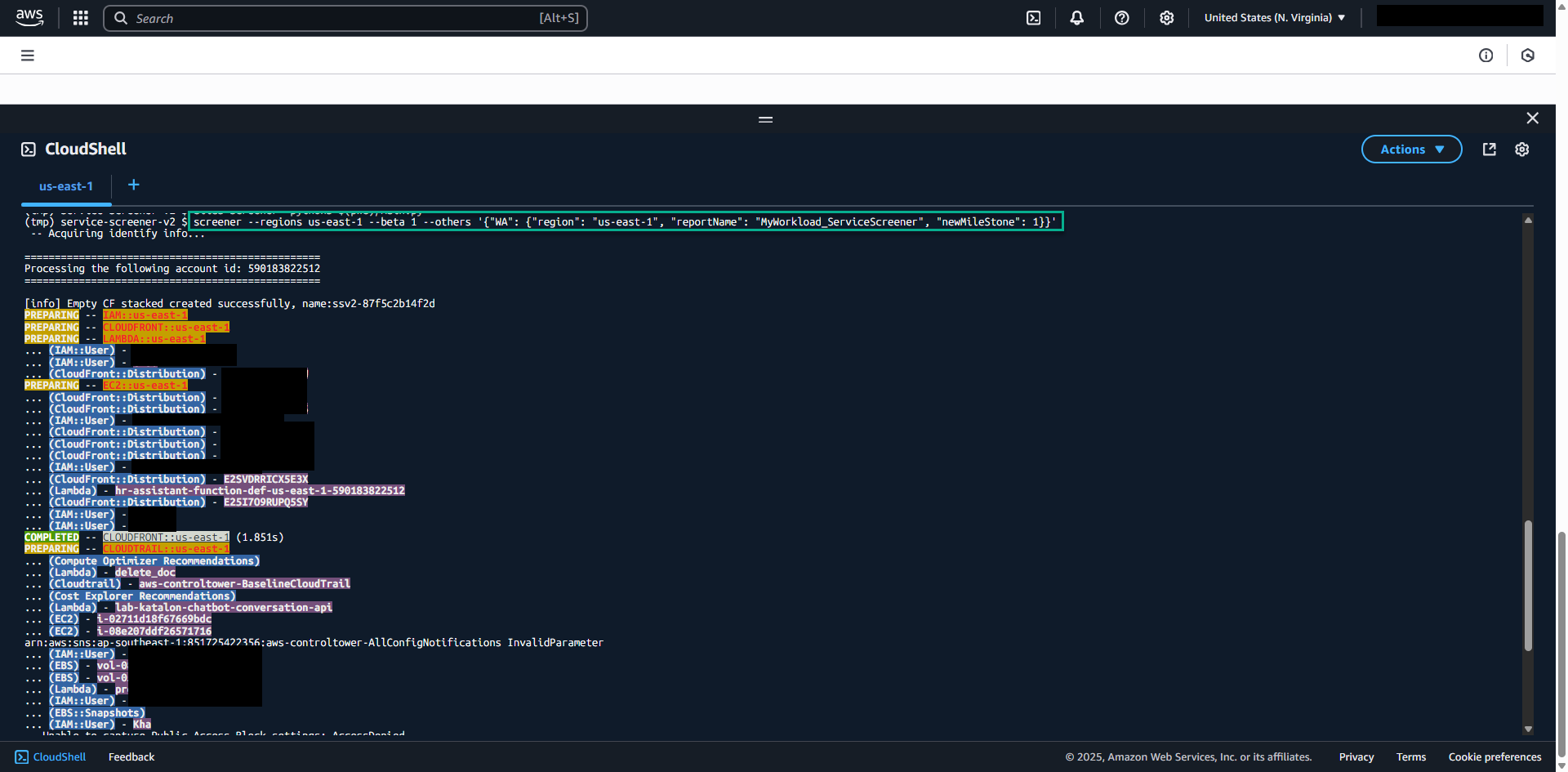
screener --regions us-east-1 --beta 1 --others '{"WA": {"region": "us-east-1", "reportName": "MyWorkload_ServiceScreener", "newMileStone": 1}}'
Parameters Explained:
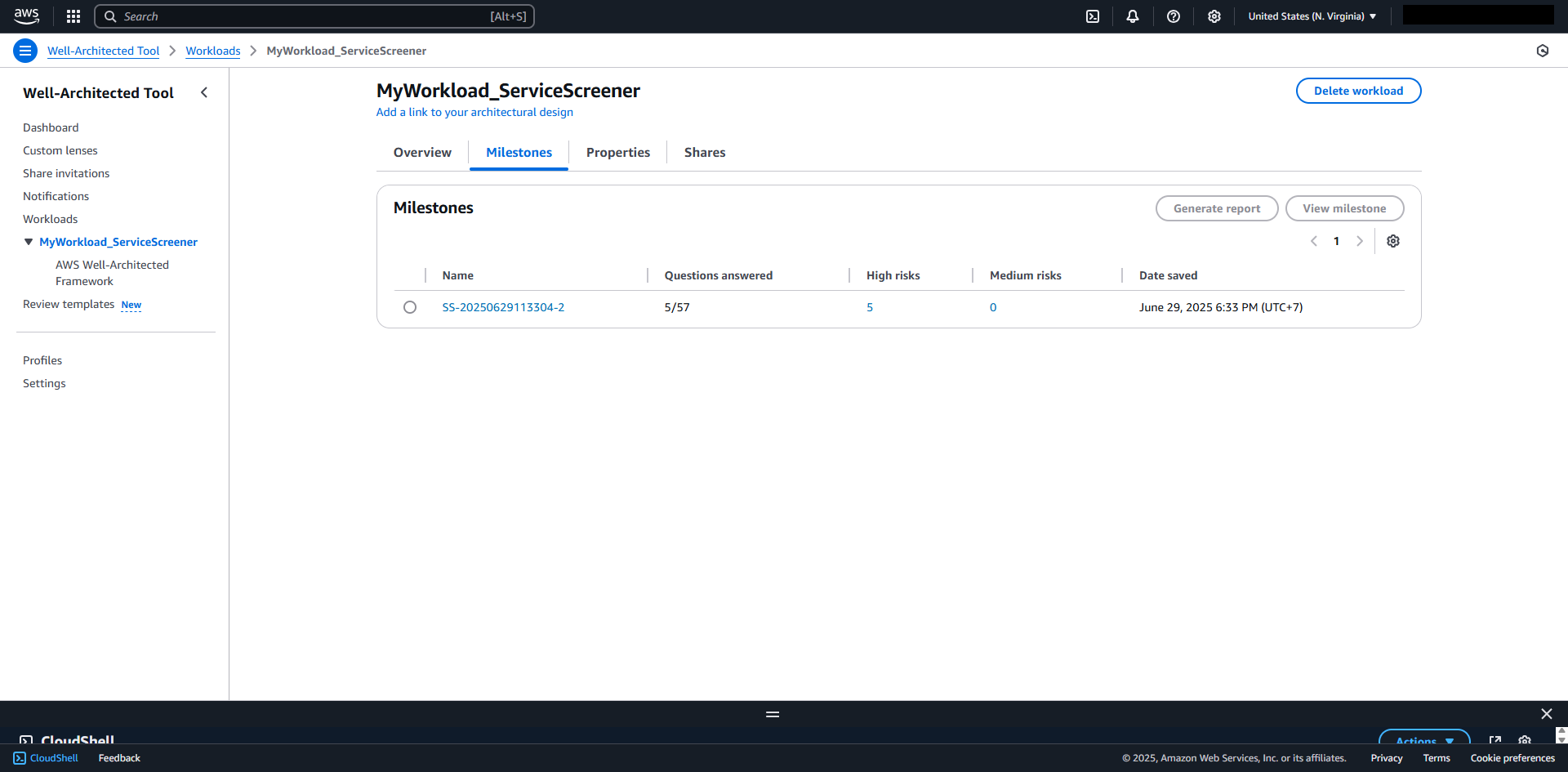
region: Where to create the Well-Architected workloadreportName: Name of your workloadnewMileStone:- Set to 1 to create new milestone each run
- Set to 0 to create a milestone only if none exists
7.2. Migration Planning Evaluation
For AWS Partners conducting migration evaluations:
screener --regions us-east-1 --others '{"mpe": {"id": "migration-eval-001"}}'
7.3. View Well-Architected Integration
- Combining Parameters
You can combine both MPE and WA parameters:
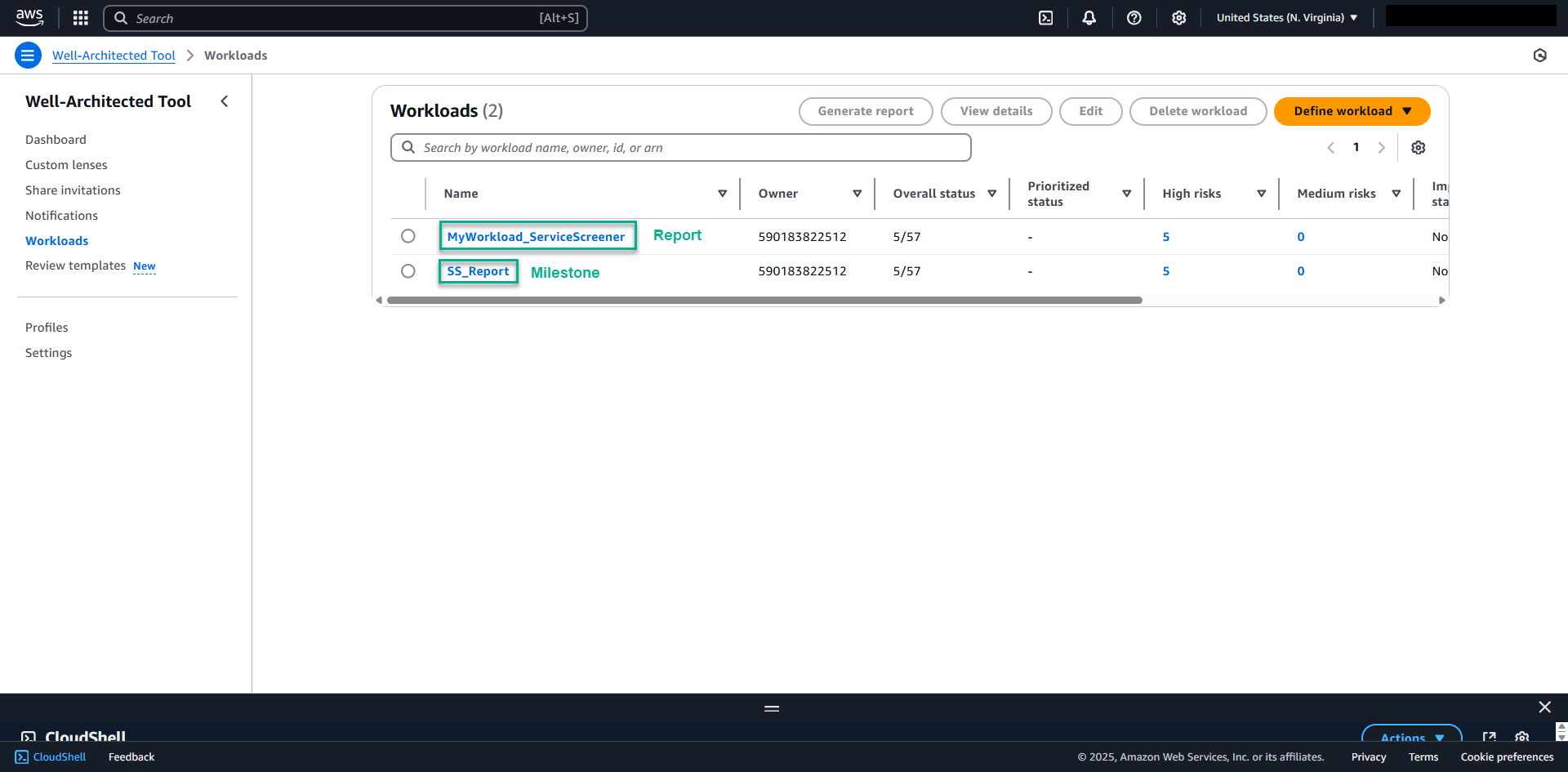
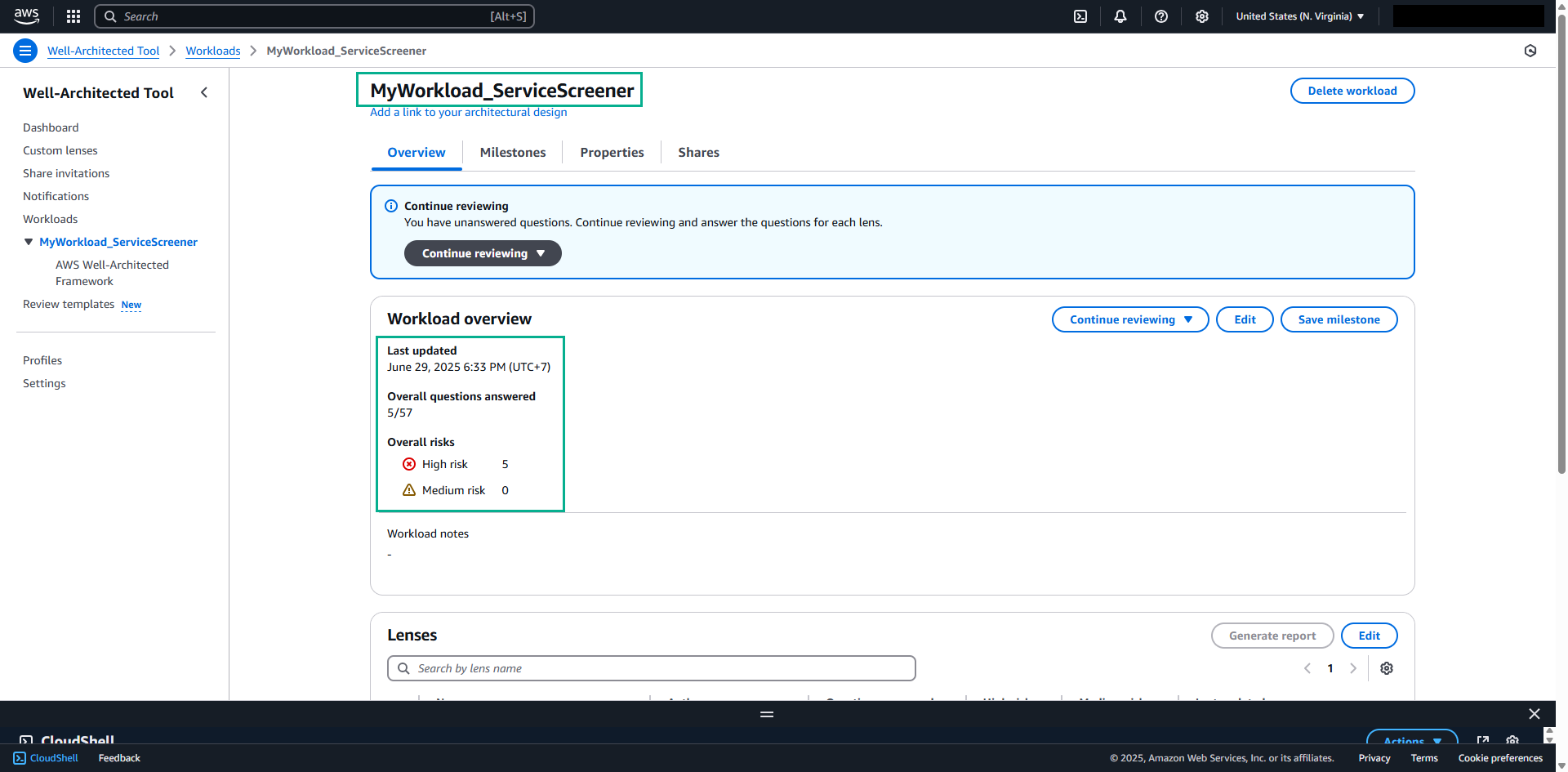
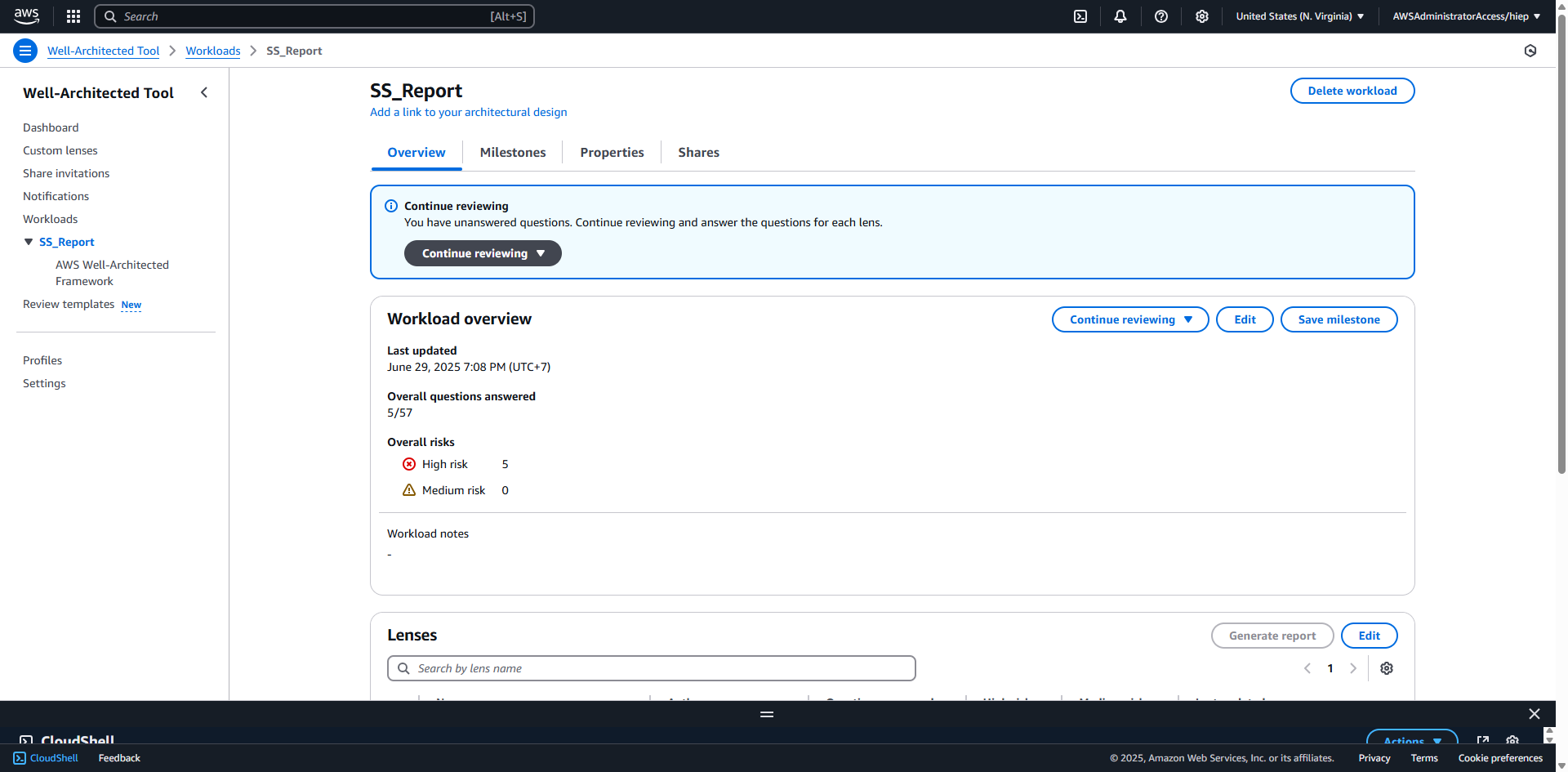
screener --regions us-east-1 --others '{"WA": {"region": "us-east-1", "reportName": "SS_Report", "newMileStone": 1}, "mpe": {"id": "migration-eval-001"}}'