Basic Service Screener Operations
3.1. Your First Scan - Single Region, All Services
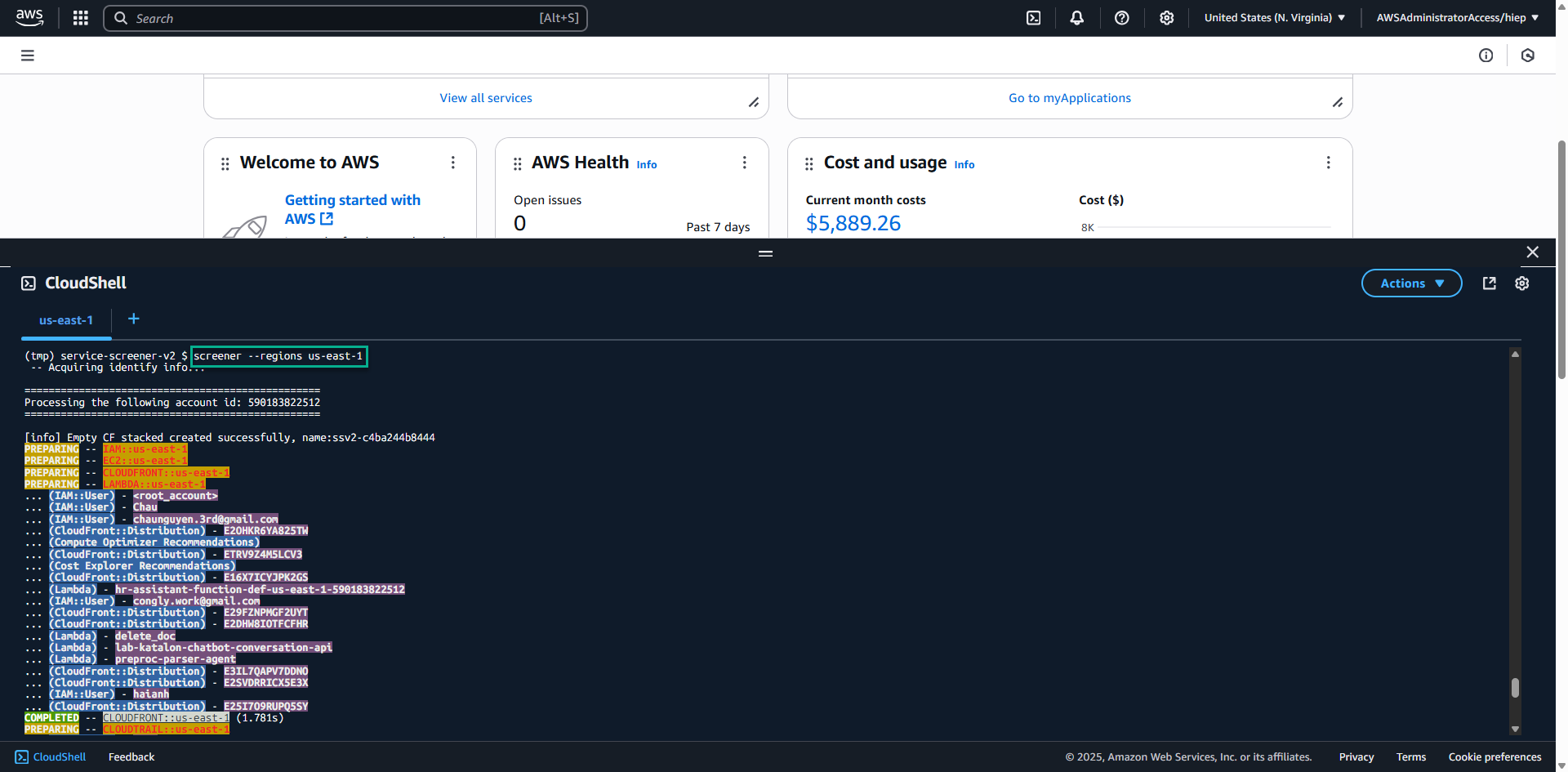
# Replace 'us-east-1' with your current region
screener --regions us-east-1
What happens during this scan:
- Service Screener analyzes all supported AWS services in the specified region
- It runs read-only API calls to gather configuration information
- Checks are performed against AWS best practices
- Results are compiled into a comprehensive report
3.2. Monitor Scan Progress
The scan will show progress indicators. Typical output includes:
- Service discovery phase
- Individual service analysis
- Report generation
- Output file creation
3.3. Understanding Scan Duration
Scan time depends on:
- Number of resources in your account
- Number of regions scanned
- Number of services analyzed
- Network latency
Typical scan times:
- Small environment (few resources): 2-5 minutes
- Medium environment: 5-15 minutes
- Large environment: 15-30+ minutes