Prerequisites
2.1. Verify IAM Permissions
Before starting, ensure your IAM user has the required permissions.
Required Permissions:
ReadOnlyAccess(AWS Managed Policy)AWSCloudShellFullAccesscloudformation:CreateStackcloudformation:DeleteStack
Optional for Cross-Account Operations:
iam:SetSecurityTokenServicePreferences
2.2. Create IAM Policy (If Needed)
If you need to create a custom policy, use this JSON:
{
    "Version": "2012-10-17",
    "Statement": [
        {
            "Effect": "Allow",
            "Action": [
                "cloudformation:CreateStack",
                "cloudformation:DeleteStack",
                "cloudshell:*"
            ],
            "Resource": "*"
        }
    ]
}
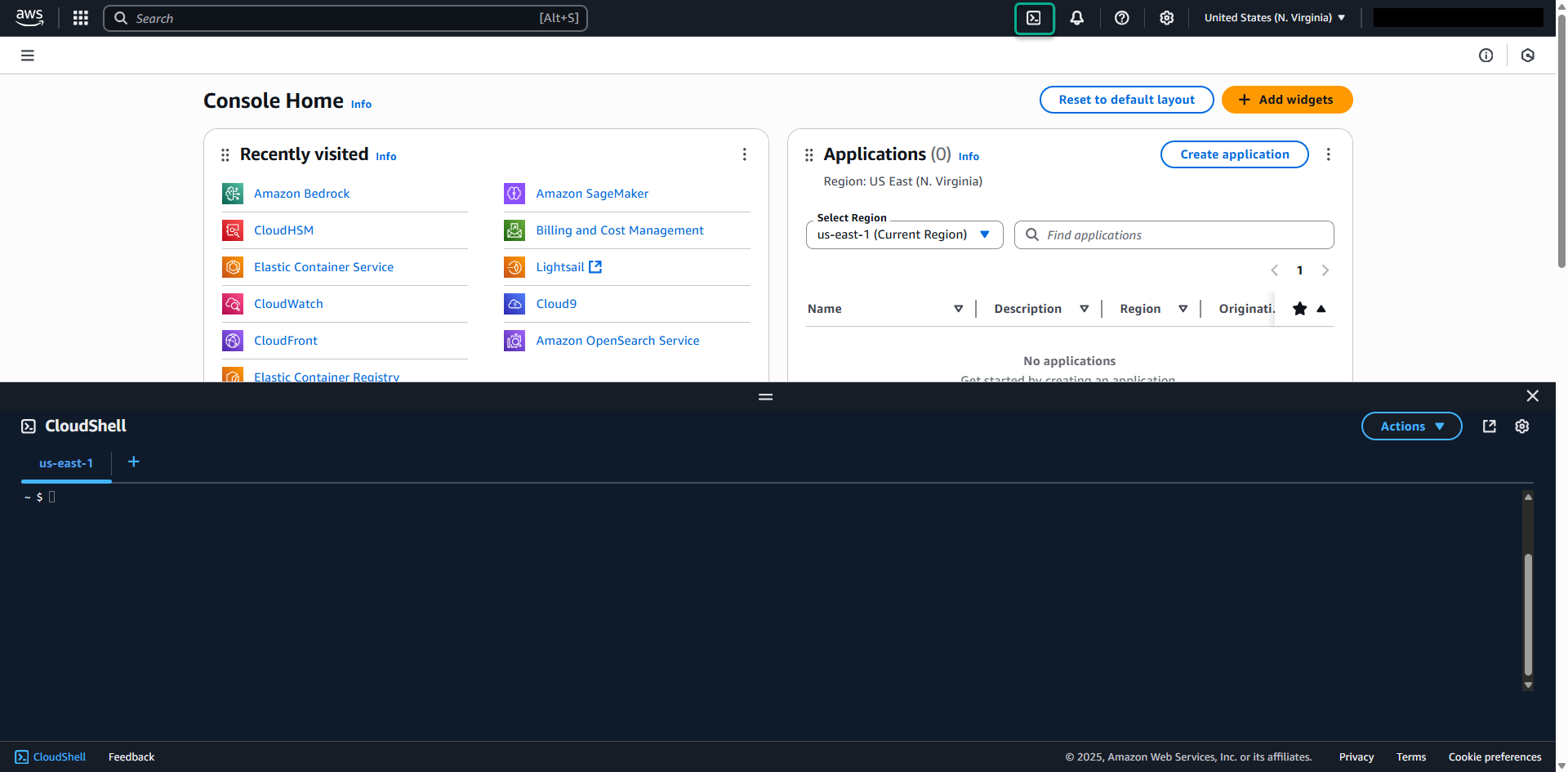
2.3. Launch AWS CloudShell
- Log into your AWS Console
- Navigate to CloudShell service (search for “CloudShell” in the services menu)
- Launch CloudShell in your preferred region
- Wait for the environment to initialize
2.4. Install Service Screener v2
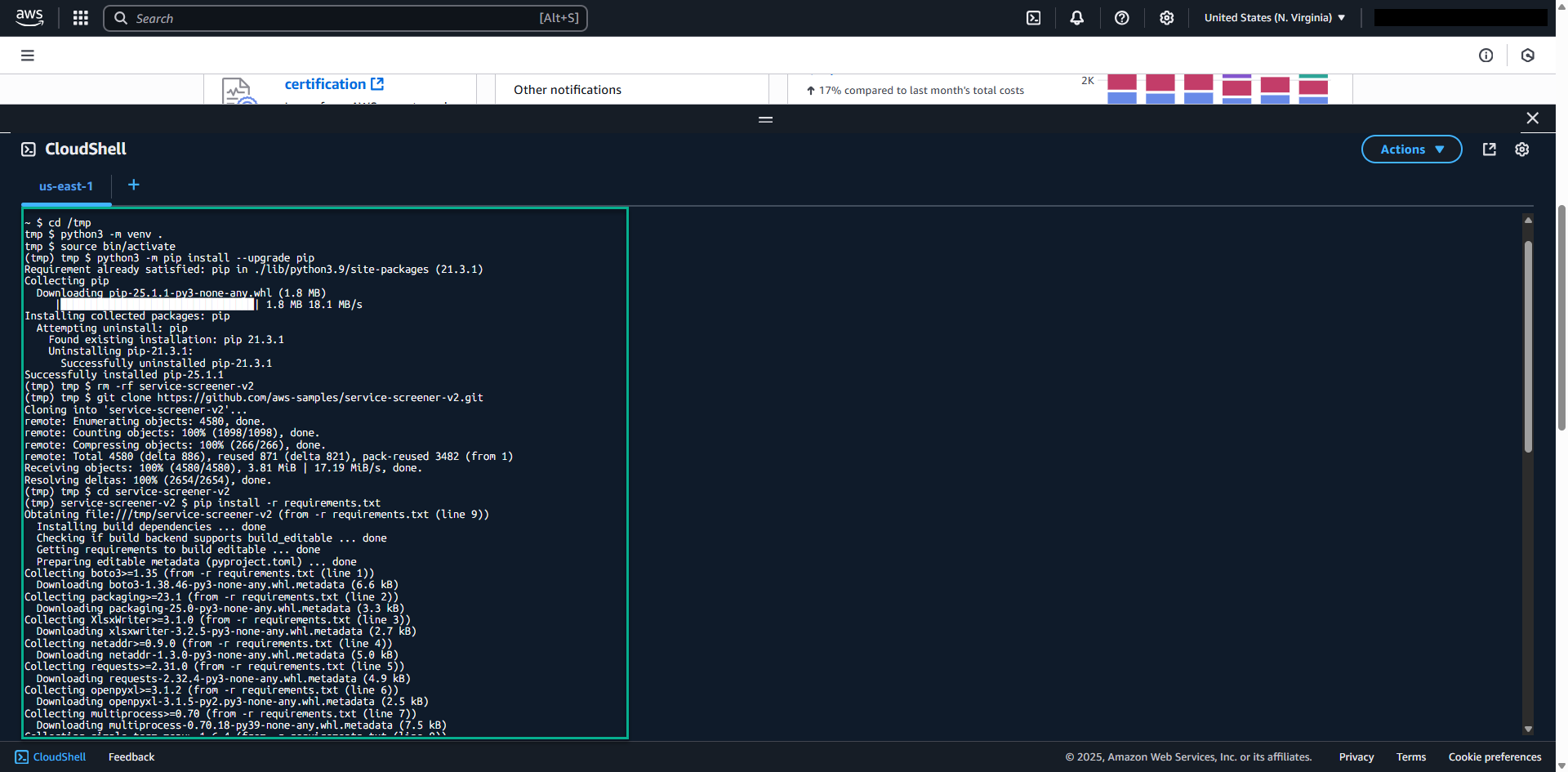
Run the following commands in CloudShell:
# Navigate to temporary directory
cd /tmp

# Create and activate Python virtual environment
python3 -m venv screener-env
source screener-env/bin/activate

# Upgrade pip
python3 -m pip install --upgrade pip

# Clean up any existing installation
rm -rf service-screener-v2

# Clone the repository
git clone https://github.com/aws-samples/service-screener-v2.git

# Navigate to the project directory
cd service-screener-v2

# Install dependencies
pip install -r requirements.txt

# Prepare Lambda runtime dependencies
python3 unzip_botocore_lambda_runtime.py

# Create alias for easy execution
alias screener='python3 $(pwd)/main.py'